Prompt to Application
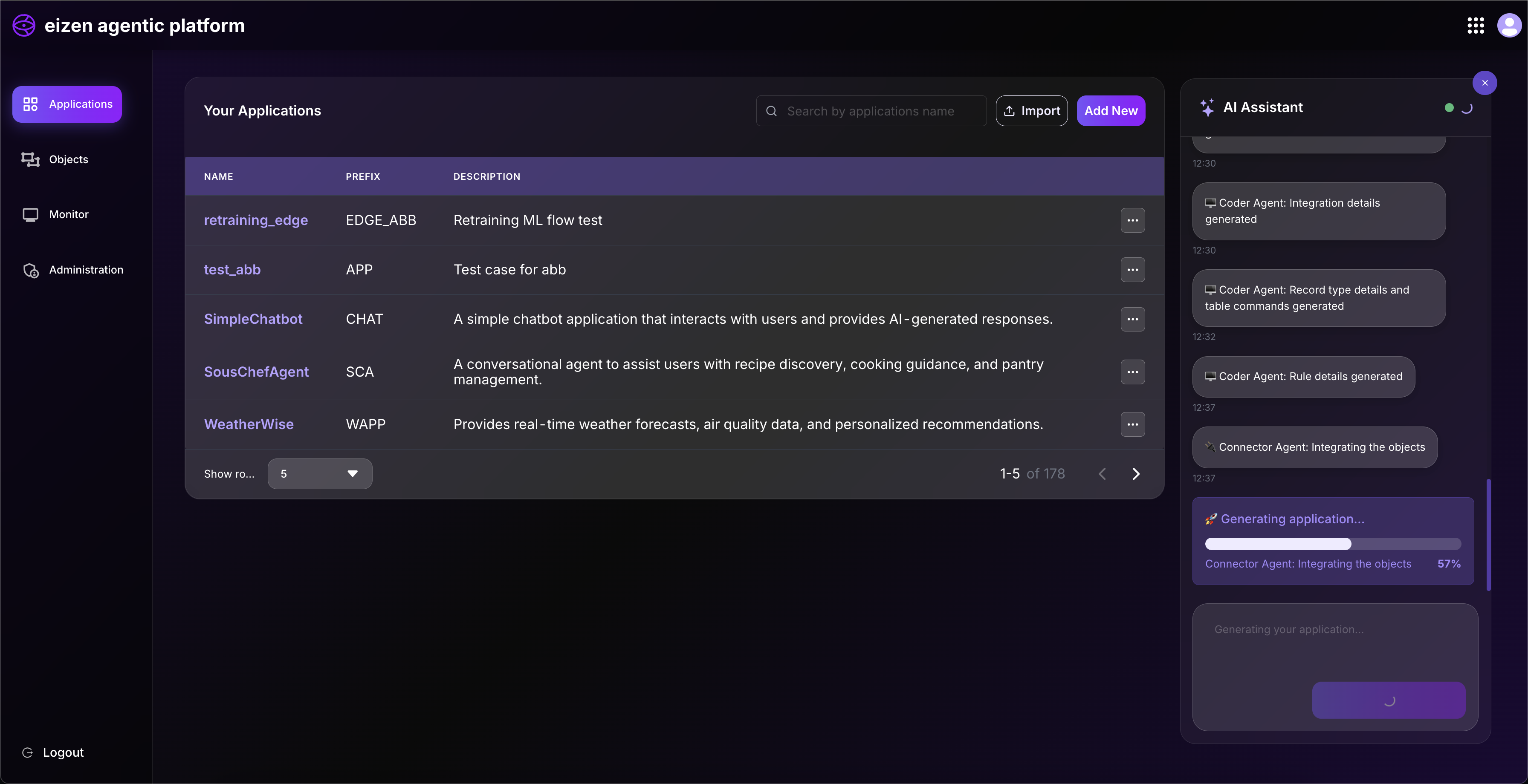
The eizen Agentic Platform uses a sophisticated multi-agent system where specialized AI agents collaborate to handle complex tasks and create workflows. Each agent has a distinct role and expertise, working together to deliver comprehensive solutions.
Overview
The platform employs five specialized AI agents that work in coordination to process requirements and deliver results:
- Orchestrator Agent - Central coordinator
- Planner Agent - Strategic architect
- Coder Agent - Implementation specialist
- Connector Agent - Integration specialist
- Validation Agent - Quality assurance
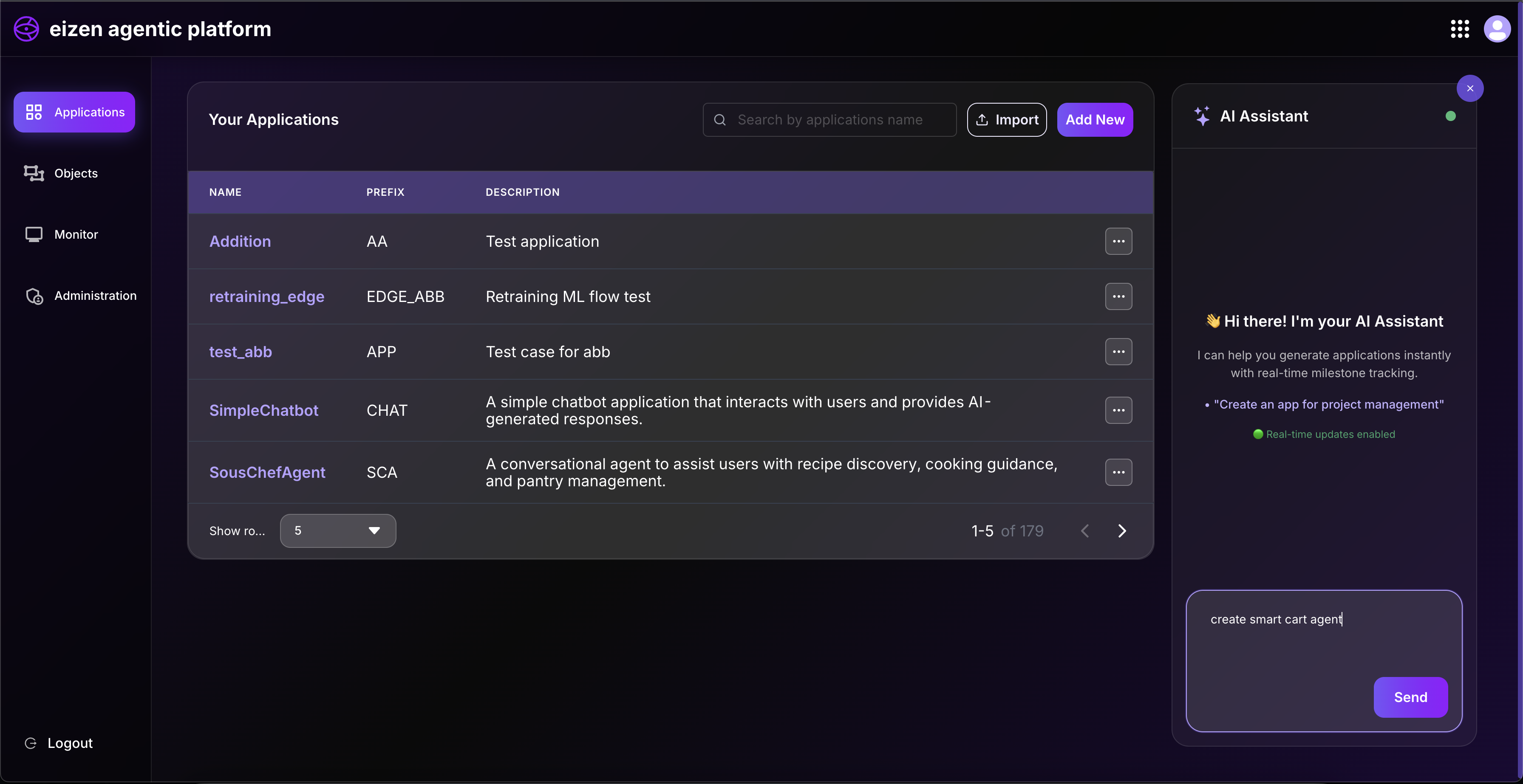
Orchestrator Agent
The Orchestrator Agent is the central coordinator that manages the overall workflow and process execution. It oversees the coordination between all other agents and ensures each step is executed in the correct sequence.
What it does:
- Initiates and manages workflow processes
- Analyzes input to determine the appropriate approach and requirements
- Coordinates handoffs between specialized agents
- Tracks overall progress and execution metrics
- Identifies and manages primary processes and outcomes
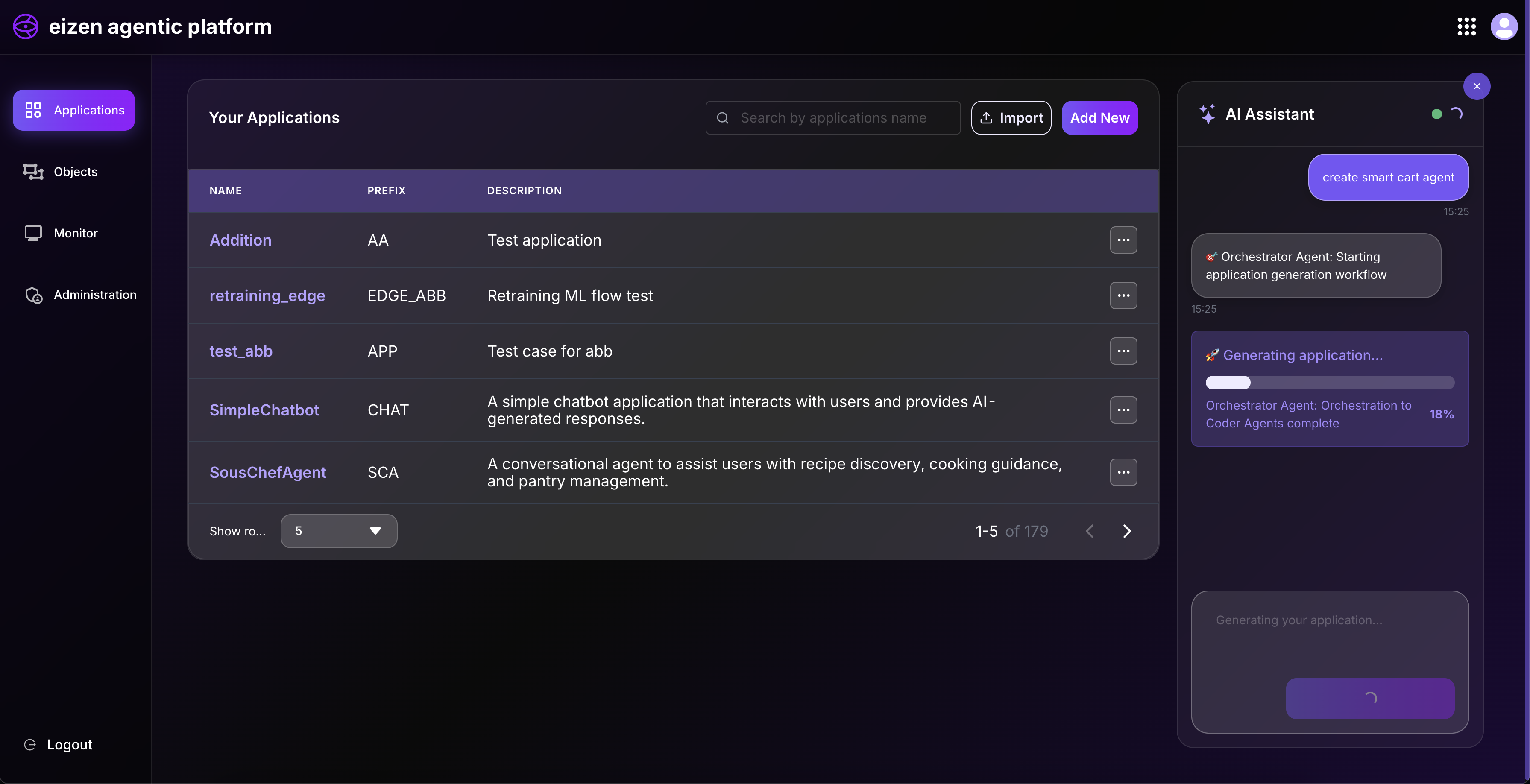
Planner Agent
The Planner Agent analyzes requirements and creates a comprehensive strategic blueprint before implementation begins. It serves as the architect that designs the overall structure and approach.
What it does:
- Analyzes input to understand objectives and requirements
- Determines complexity and scope of the task
- Plans the number and type of components needed:
- External system connections
- Integration points
- Workflow processes
- Business logic and rules
- Data structures and models
- Interface endpoints
- Creates a structured plan that guides the implementation process
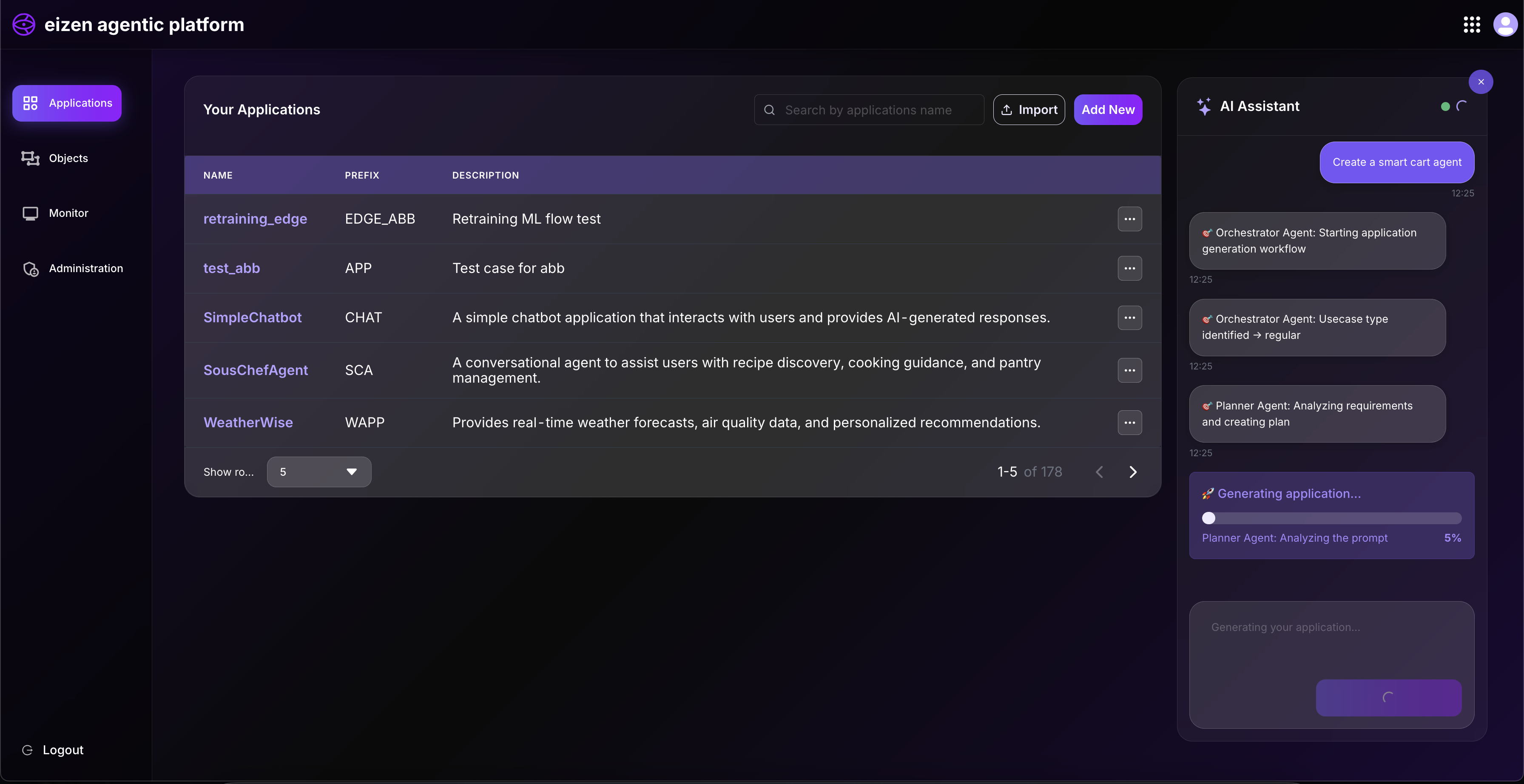
Coder Agent
The Coder Agent is responsible for implementation. It takes the plan and creates all the necessary components and structures.
What it does:
- Generates structure and configuration based on the plan
- Creates data models and type definitions
- Sets up connections for external service integration
- Builds integration definitions and API interfaces
- Implements business rules and logic
- Creates data storage definitions
- Produces workflow structures with proper node configurations
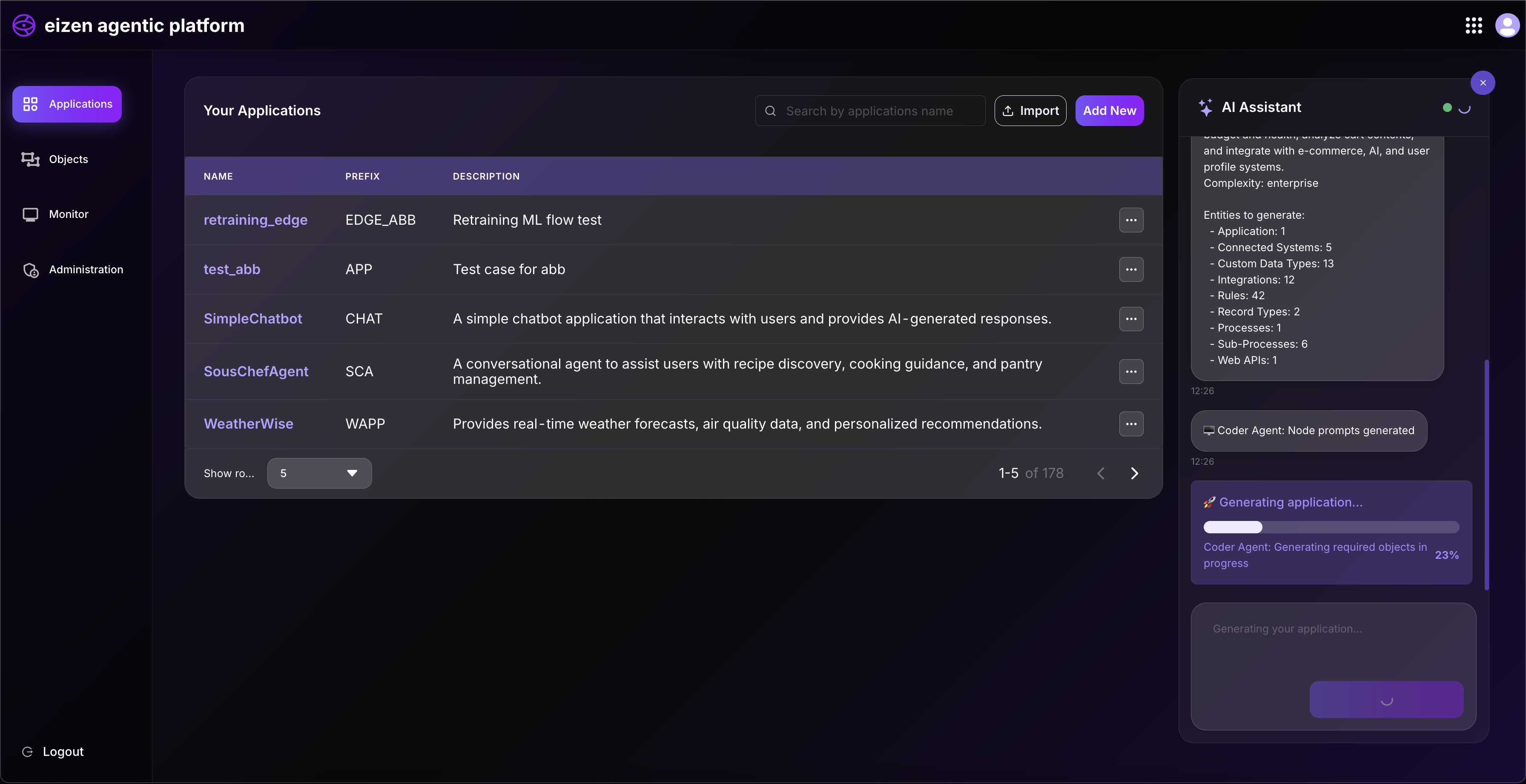
Connector Agent
The Connector Agent brings all components together and ensures they work seamlessly as an integrated system.
What it does:
- Integrates all components into cohesive workflows
- Connects processes with their required integrations and dependencies
- Links sub-processes to main orchestrator processes
- Generates interfaces for testing and external access
- Ensures proper data flow and communication between components
- Prepares the final deliverable package
Validation Agent
The Validation Agent ensures quality, correctness, and completeness of all deliverables.
What it does:
- Validates the structure of all components
- Checks that all required elements are present
- Verifies cross-references and dependencies between components
- Ensures deliverables meet quality standards
- Reports any issues or warnings found during validation
How They Work Together
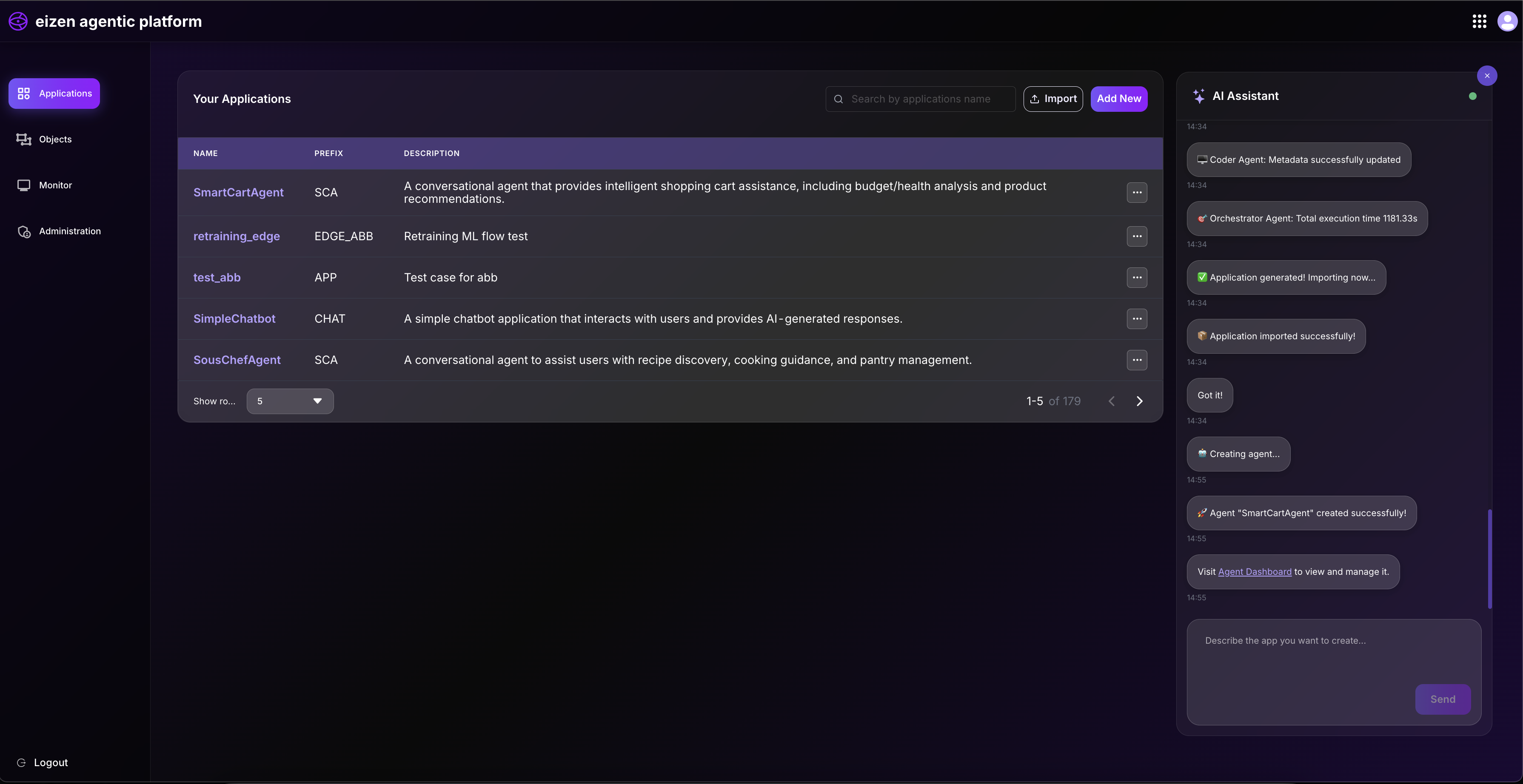
The agents work in a coordinated sequence:
- Orchestrator initiates the workflow and analyzes the input
- Planner creates the strategic blueprint
- Coder implements all the components based on the plan
- Connector links everything together
- Validation ensures everything is correct
- Orchestrator finalizes and delivers the complete solution
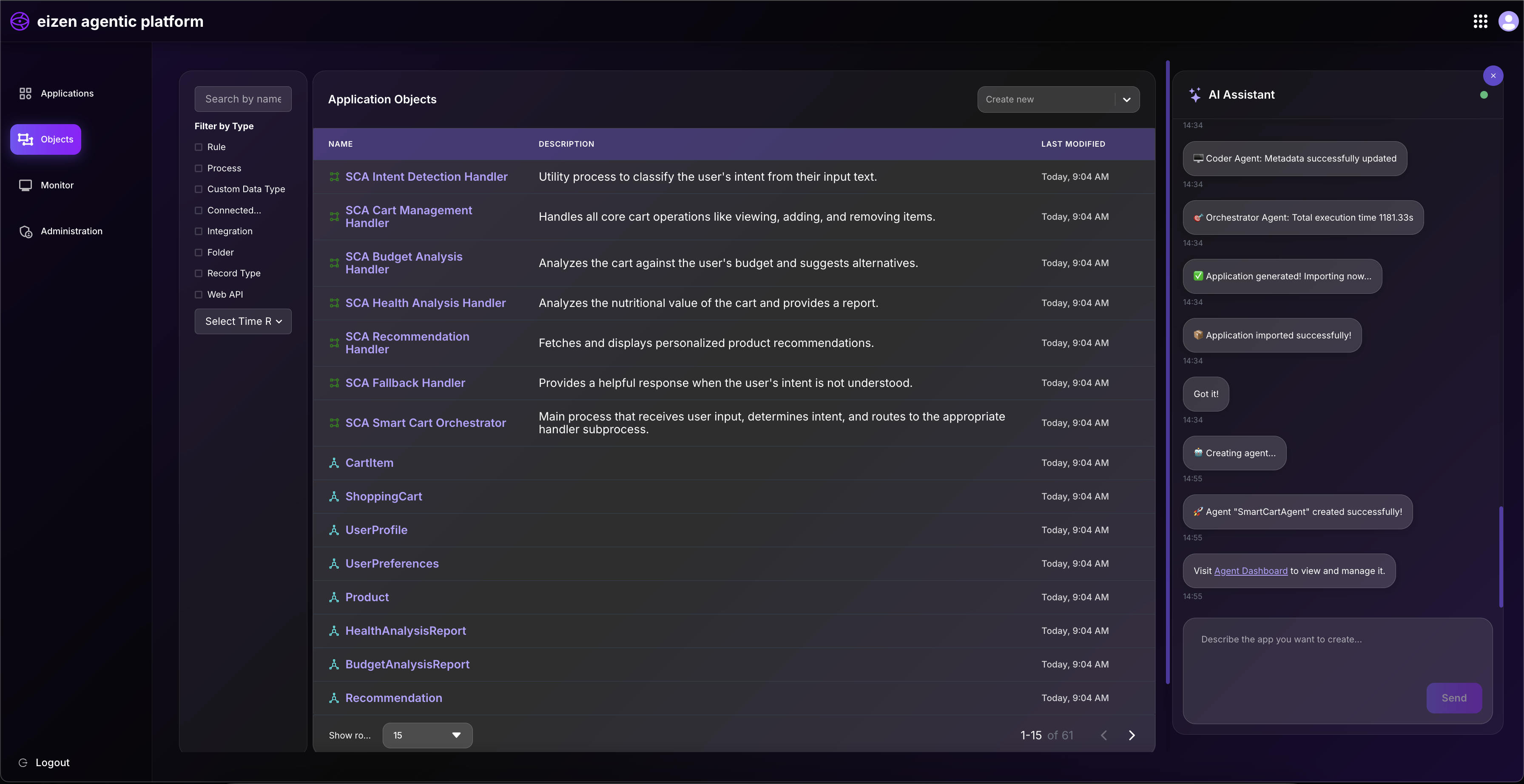
This multi-agent approach ensures that deliverables are not only functional but also well-structured, properly integrated, and ready for use.
Agent Integration Requirements
To make an agent work properly, you must integrate the send_kafka service with the following mandatory input parameters in the main process. All of these parameters must be included as default parameters in the integration. These parameters are required for creating an agent and should be created manually if they are not present.
Required Default Parameters
The following parameters are mandatory and must be configured as default parameters in the send_kafka service integration:
| Parameter | Type | Description |
|---|---|---|
message | String | The message content to be sent to agent |
requestMsg | String | The message content received from agent |
sessionId | String | Unique identifier for the session |
serviceId | String | Identifier for the service |
agentId | String | Identifier for the agent |
customerId | String | Identifier for the customer |
messageType | String | Type classification of the message |
audioUrl | String | URL reference to audio content |
processCd | String | Process code identifier |
suggestedQuestions | String | Suggested questions or prompts |
messageUid | String | Unique identifier for the message |
videoUrl | String | URL reference to video content |
requestFor | String | Request target or purpose |
contextMsg | String | Contextual message information |
additionalMsg | String | Additional message content |
Important Notes
- All parameters are mandatory: Each of the above parameters must be included as default parameters in the
send_kafkaservice integration. - Manual creation required: If any of these parameters are not present in the integration, they must be created manually before the agent can function properly.
- Default values: Ensure that appropriate default values are set for each parameter to prevent integration failures.
Related Topics
- Getting Started - Learn how to use the platform
- Applications View - Create and manage applications
- Design Objects - Understand the components and structures